 In this post I will present you the steps on how to set up the AI Prompt Builder with Make.com in less than 15 minutes. Showing you how to set up the tool as simple and straightforward as possible.
There is also a link my video youtube that will help you along the way.
In this post I will present you the steps on how to set up the AI Prompt Builder with Make.com in less than 15 minutes. Showing you how to set up the tool as simple and straightforward as possible.
There is also a link my video youtube that will help you along the way.
Overview
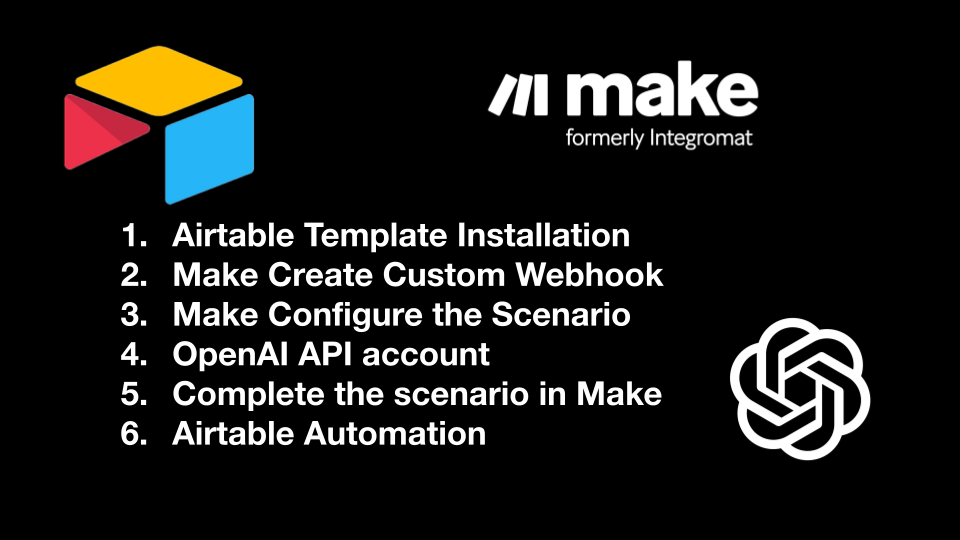
Step1
Airtable Universe
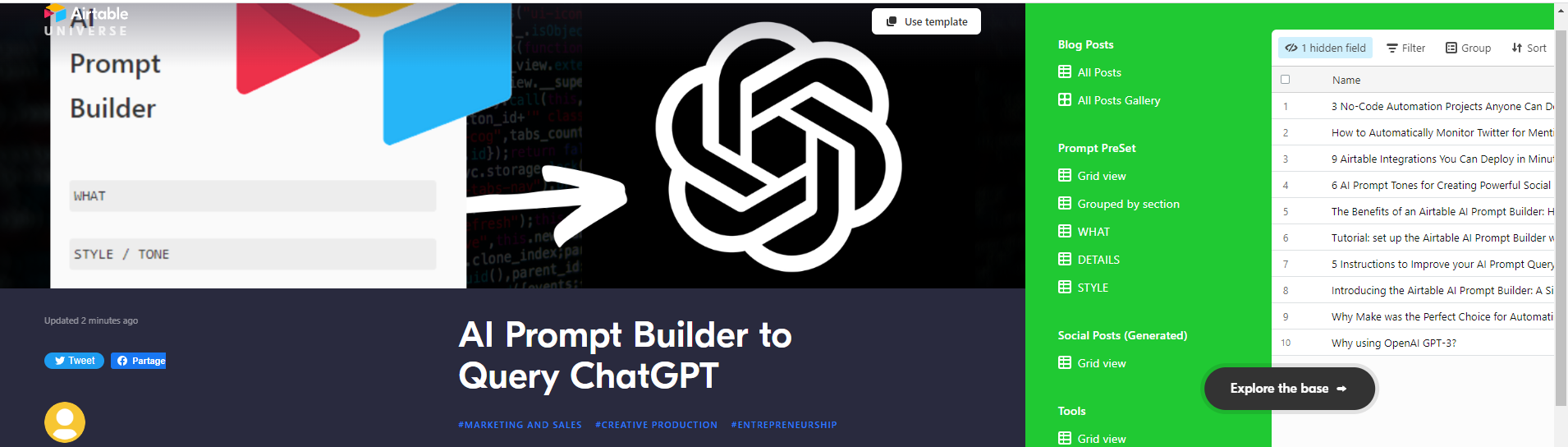
I published the MVP version of my tool on the Airtable Universe for ease of installation for you!
My Airtable AI Prompt Builder is published on Airtable Universe
Step2
Step2 - Promo Code
 Sign up now at Make.com using my affiliate, and you will get 1 month of the Pro plan for FREE!-> Register via Affiliate Link
Step3
Step4
Step5
Step6
Want More - YouTube for more Info
Check out and subscribe to my Youtube channel at Matt NoCode Youtube Channel